Assigning Users to Projects
Video Guide
Document Guide
Step 1:
-
Navigate to the Account menu under Accounts Management.
-
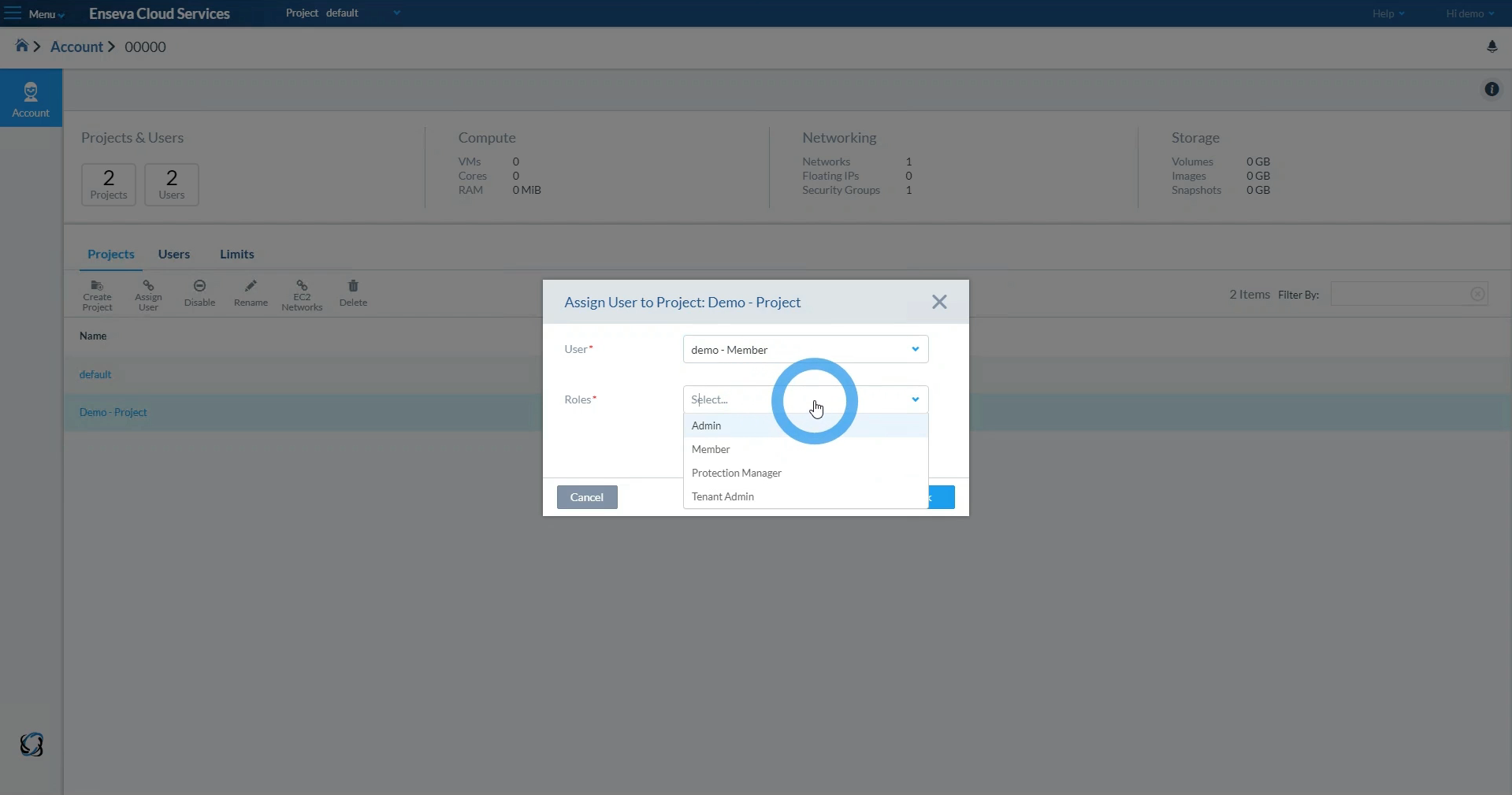
To add a user to the newly created project, click on the Users tab, and select the desired user.
-
Clicking on the assign project button will open a dialog to select the project and role for this user.
Last modified: Wednesday, 30 May 2018, 8:51 AM